

share: 


You just wrapped up your webinar and watched the last attendee drop off. Now what? The real work begins with collecting feedback that transforms your next event from good to unforgettable.
Most marketers send generic post-webinar surveys that gather dust in inboxes. But smart event organizers know the secret: asking the right webinar evaluation questions at the right time can boost future attendance.
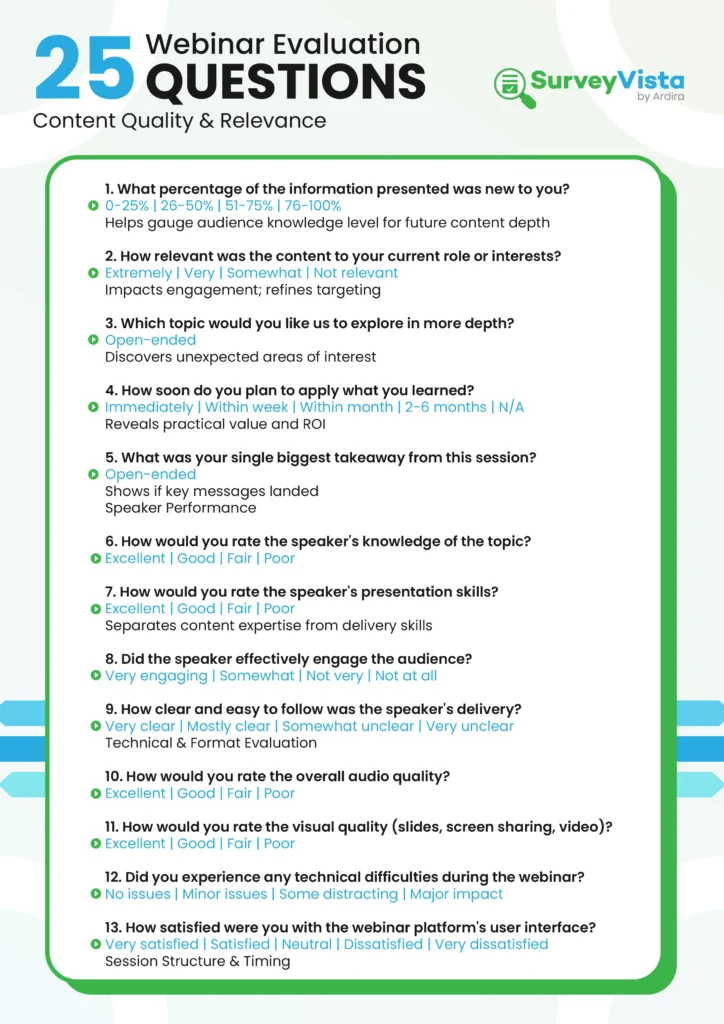
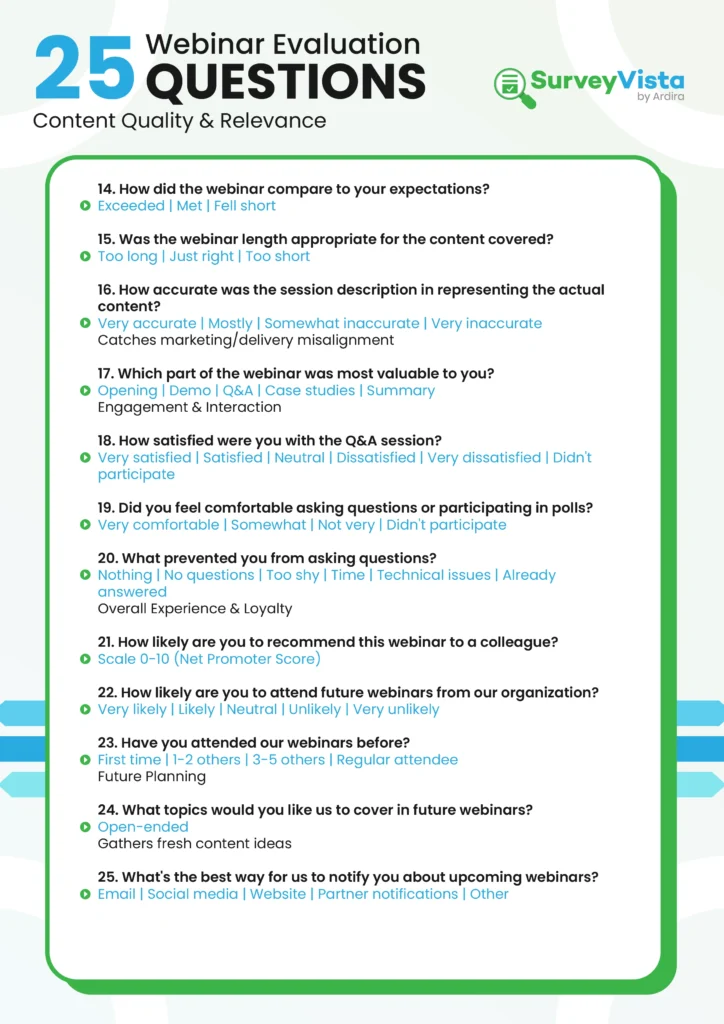
Below are 44 webinar evaluation and post-webinar survey questions, grouped by what they measure. The first 25 cover the live session itself; the rest cover registration, on-demand viewers, no-shows and follow-up.
Content Quality and Relevance Questions
1. What percentage of the information presented was new to you?
- 0-25%
- 26-50%
- 51-75%
- 76-100%
This question helps you understand your audience’s knowledge level and adjust future content accordingly. If most attendees already know 75% of your material, it’s time to go deeper.
2. How relevant was the content to your current role or interests?
- Extremely relevant
- Very relevant
- Somewhat relevant
- Not relevant
Content relevance directly impacts engagement and retention. Use this data to refine your audience targeting and messaging.
3. Which topic would you like us to explore in more depth?
Leave this as an open-ended question to gather specific ideas for future webinar topics. You’ll often discover unexpected areas of interest.
4. How soon do you plan to apply what you learned?
- Immediately
- Within the next week
- Within the next month
- 2-6 months
- Not applicable
This reveals the practical value of your content and helps justify webinar ROI to stakeholders.
5. What was your single biggest takeaway from this session?
Open-ended responses here show whether your key messages landed and help identify the most valuable content segments.
Speaker Performance Questions
6. How would you rate the speaker’s knowledge of the topic?
- Excellent
- Good
- Fair
- Poor
7. How would you rate the speaker’s presentation skills?
- Excellent
- Good
- Fair
- Poor
Separating knowledge from presentation skills helps you identify whether speakers need content coaching or delivery training.
8. Did the speaker effectively engage the audience?
- Yes, very engaging
- Somewhat engaging
- Not very engaging
- Not engaging at all
9. How clear and easy to follow was the speaker’s delivery?
- Very clear
- Mostly clear
- Somewhat unclear
- Very unclear
Technical and Format Evaluation
10. How would you rate the overall audio quality?
- Excellent
- Good
- Fair
- Poor
11. How would you rate the visual quality (slides, screen sharing, video)?
- Excellent
- Good
- Fair
- Poor
12. Did you experience any technical difficulties during the webinar?
- No issues
- Minor issues that didn’t impact experience
- Some issues that were distracting
- Major issues that significantly impacted experience
13. How satisfied were you with the webinar platform’s user interface?
- Very satisfied
- Satisfied
- Neutral
- Dissatisfied
- Very dissatisfied
Session Structure and Timing
14. How did the webinar compare to your expectations?
- Exceeded expectations
- Met expectations
- Fell short of expectations
15. Was the webinar length appropriate for the content covered?
- Too long
- Just right
- Too short
16. How accurate was the session description in representing the actual content?
- Very accurate
- Mostly accurate
- Somewhat inaccurate
- Very inaccurate
This question catches misalignment between marketing promises and actual delivery.
17. Which part of the webinar was most valuable to you?
- Opening presentation
- Live demonstration
- Q&A session
- Case studies/examples
- Closing summary
Engagement and Interaction
18. How satisfied were you with the Q&A session?
- Very satisfied
- Satisfied
- Neutral
- Dissatisfied
- Very dissatisfied
- Didn’t participate in Q&A
19. Did you feel comfortable asking questions or participating in polls?
- Yes, very comfortable
- Somewhat comfortable
- Not very comfortable
- Did not participate
20. What prevented you from asking questions? (Select all that apply)
- Nothing – I asked questions
- Didn’t have any questions
- Too shy/uncomfortable
- Ran out of time
- Technical difficulties
- Questions were answered during presentation
Overall Experience and Loyalty
21. How likely are you to recommend this webinar to a colleague?
Rate on a scale of 0-10 (Net Promoter Score)
22. How likely are you to attend future webinars from our organization?
- Very likely
- Likely
- Neutral
- Unlikely
- Very unlikely
23. Have you attended our webinars before?
- This was my first
- I’ve attended 1-2 others
- I’ve attended 3-5 others
- I’m a regular attendee
Future Planning Questions
24. What topics would you like us to cover in future webinars?
Keep this open-ended to gather fresh content ideas and understand evolving audience needs.
25. What’s the best way for us to notify you about upcoming webinars?
- Social media
- Website announcements
- Partner notifications
- Other (please specify)
More Webinar Survey Questions for Every Stage
The 25 questions above cover the live session. Use these extra questions before the webinar, for people who watch the recording, for registrants who didn’t attend, and for follow-up.
Pre-Webinar and Registration Questions
- What do you most want to learn from this webinar? (Open text)
- How familiar are you with this topic? (Beginner / Intermediate / Advanced)
- What is your role? (Multiple choice)
- How did you hear about this webinar? (Email / Social media / Website / Colleague / Other)
- Do you have a question you would like the speaker to answer? (Open text)
- Would you prefer to watch live or on demand? (Live / On demand / Both)
Questions for On-Demand Viewers
- How much of the recording did you watch? (All / Most / About half / Less than half)
- Why did you watch the recording instead of attending live? (Time zone / Schedule conflict / Prefer on demand / Other)
- How easy was it to find the part of the recording you needed? (1–5 scale)
- Would chapter markers or a written summary have helped you? (Yes / No)
- How would you rate the audio and video quality of the recording? (1–5 scale)
Questions for Registrants Who Didn’t Attend
- What prevented you from attending? (Schedule conflict / Forgot / Technical issue / Lost interest / Other)
- Would you like to receive the recording? (Yes / No)
- What day and time work best for you for future webinars? (Multiple choice)
- Is this topic still relevant to you? (Yes / No)
Follow-Up and Next-Step Questions
- Would you like to talk to someone about the topics covered? (Yes / No)
- How likely are you to share the recording with a colleague? (0–10 scale)
- Which follow-up resource would be most useful? (Slides / Recording / Checklist or template / Blog article)
- Overall, how would you rate this webinar? (1–5 stars)
Webinar Feedback Form Template
Copy this eight-question form for your next post-webinar survey. It covers content, speaker, format and next steps, and takes about two minutes to complete:
- Overall, how would you rate this webinar? (1–5 stars)
- How relevant was the content to your role? (Very relevant to Not relevant)
- How would you rate the speaker’s knowledge of the topic? (1–5 scale)
- Was the webinar length right for the content covered? (Too short / About right / Too long)
- How would you rate the audio and visual quality? (1–5 scale)
- What was your single biggest takeaway? (Open text)
- What topics would you like us to cover next? (Open text)
- Would you like to talk to someone about the topics covered? (Yes / No)
When to Send Your Post-Webinar Survey
- During the session: ask one or two quick poll questions in the last few minutes, while attendees are still engaged.
- Right after it ends: send the full survey the same day, ideally within an hour, together with the recording or slides.
- One reminder: send a single follow-up two or three days later to people who haven’t responded, then stop.
- On-demand viewers: trigger the survey after someone watches the recording, rather than on a fixed date.
- No-shows: send the short “didn’t attend” questions with the recording link, so they still get value from registering.
Keep the main survey short. If you need more detail, ask a few people to take part in a follow-up call instead of adding more questions.
How to Maximize Your Webinar Survey Response Rates
Getting people to complete your webinar evaluation questions requires smart timing and delivery. Mention your survey during the webinar itself, ideally right before the Q&A session when engagement peaks.
Send your survey within 24 hours while the experience remains fresh in attendees’ minds. Keep it short – aim for 5-10 core questions rather than overwhelming participants with lengthy forms.
Consider offering a small incentive like exclusive content or early access to future events.
Turn Feedback Into Action With SurveyVista
Collecting webinar evaluation responses is just the beginning. The real value comes from integrating that feedback with your existing customer data to spot patterns and drive improvements.
SurveyVista’s native Salesforce integration lets you collect webinar feedback and automatically sync it with attendee records. No complex setup or technical headaches – just seamless data flow that helps you understand which content resonates with different customer segments.
You can track feedback trends across multiple webinars, identify your most engaged prospects, and trigger follow-up sequences based on survey responses. When someone rates your content as highly relevant and plans to implement it immediately, your sales team knows exactly who to prioritize.
Ready to transform your webinar feedback into customer-centric growth? See how SurveyVista makes it simple to collect, integrate, understand, and act on every piece of attendee feedback.
Frequently Asked Questions
When should I send my webinar evaluation survey to get the best response rates?
Send your survey within 24 hours after the webinar ends while the experience is still fresh in attendees’ minds. Mention the survey during your webinar, ideally before the Q&A session when engagement peaks.
How many questions should I include in my webinar feedback survey?
Keep your survey focused with 5-10 core questions rather than overwhelming participants. Shorter surveys typically see higher completion rates and provide more actionable feedback than lengthy forms.
What’s the difference between rating speaker knowledge and presentation skills?
Speaker knowledge measures their expertise on the topic, while presentation skills evaluate their ability to engage and communicate effectively. This separation helps identify whether speakers need content coaching or delivery training.
How can I encourage more attendees to participate in Q&A sessions?
Create a welcoming environment by addressing participants by name, acknowledging all questions positively, and using polls to break the ice. Consider allowing anonymous questions to reduce participation barriers.
Should I ask different evaluation questions for first-time versus returning attendees?
Yes, segment your questions based on attendee history. First-time participants provide insights on initial impressions and onboarding, while regular attendees offer valuable feedback on content evolution and long-term engagement.
More Like This



Rajesh Unadkat 
Founder and CEO
Rajesh is the visionary leader at the helm of SurveyVista. With a profound vision for the transformative potential of survey solutions, he founded the company in 2020. Rajesh's unwavering commitment to harnessing the power of data-driven insights has led to SurveyVista's rapid evolution as an industry leader.
Connect with Rajesh on LinkedIn to stay updated on the latest insights into the world of survey solutions for customer and employee experience management.