

share: 


Soliciting feedback means asking customers directly what they think, at a moment and in a way that makes it easy to answer. Most customers will share their opinion if you ask at the right time, keep it short and show that you act on it. This guide covers 8 ways to solicit customer feedback, when to ask, and copy-ready templates for email, SMS and in-app requests.
What Does It Mean to Solicit Customer Feedback?
Soliciting feedback is actively asking for it, rather than waiting for reviews, complaints or social posts to arrive on their own. Solicited feedback comes from surveys, interviews, follow-up emails and in-app prompts that you send on purpose.
The difference matters. Unsolicited feedback tends to come from customers with very strong feelings, good or bad. Solicited feedback gives you the view of the middle majority, and lets you ask about the specific things you need to decide on.
8 Ways to Solicit Feedback from Customers
1. Post-interaction surveys
Send a short survey straight after a purchase, support case, onboarding call or delivery. One rating question plus an optional comment is enough. The experience is fresh, so answers are specific.
2. Email requests
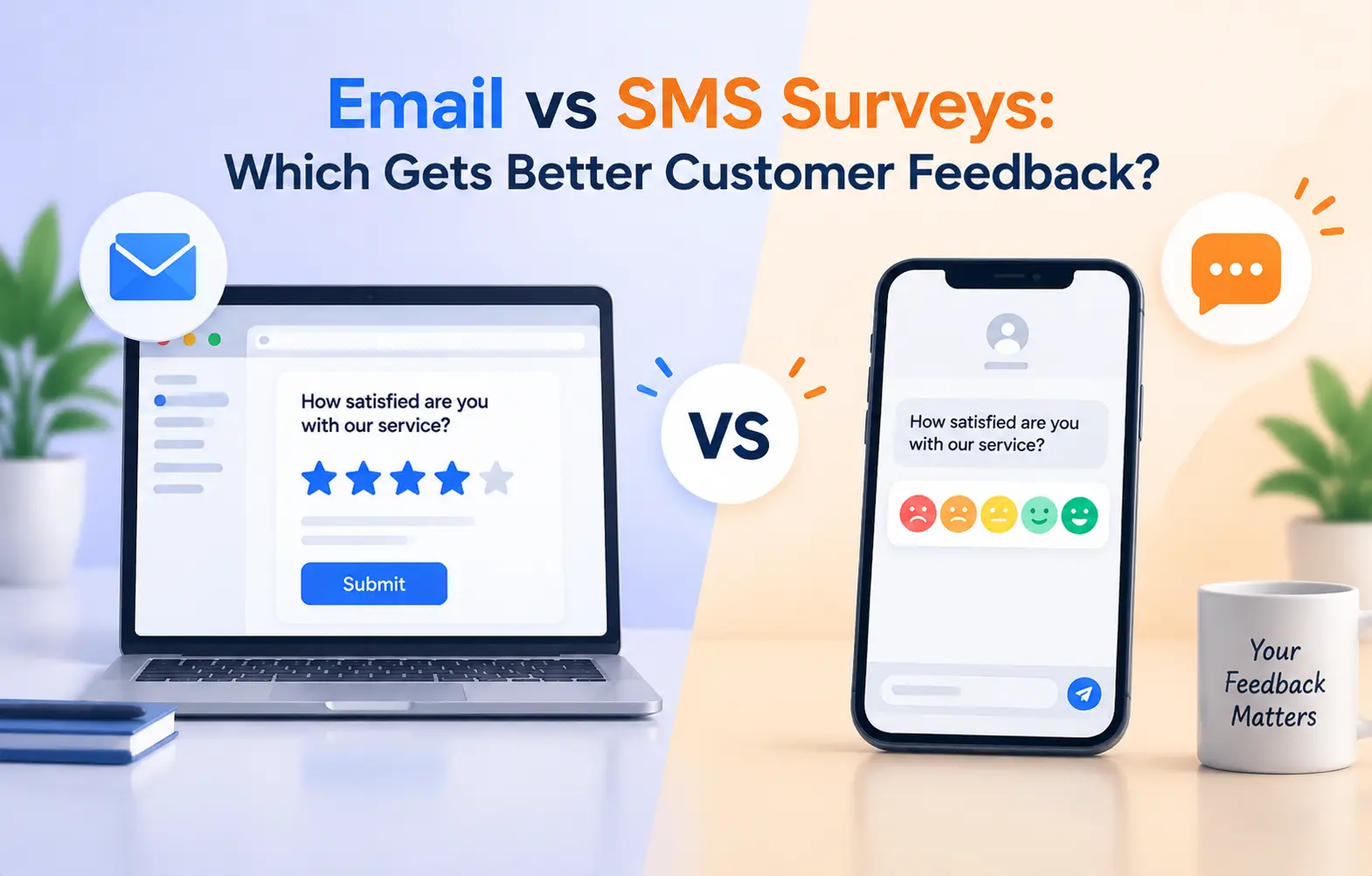
A personal email from a named person gets more replies than a generic “Take our survey”. Explain why you’re asking, how long it takes and what you’ll do with the answer. You can embed the first question in the email so customers answer with one click.
3. In-app and website prompts
Ask for feedback inside your product or on your website when a customer finishes a task, such as completing setup or using a feature for the first time. Keep prompts short and easy to dismiss. See website feedback questions for examples.
4. SMS surveys
Text messages work well for quick, transactional feedback, such as after a delivery or a service visit. Ask one question and link to more if needed. Make sure customers have opted in to receive texts.
5. Customer interviews
Thirty-minute conversations with a handful of customers reveal the “why” behind your survey scores. Ask open questions such as “Walk me through the last time you used…” and “What nearly stopped you from buying?”.
6. Review requests
Ask satisfied customers to leave a public review on sites that matter in your market, such as Google, G2 or Trustpilot. Time the request for after a positive interaction and keep it separate from your private feedback survey.
7. Social media polls and listening
Polls on LinkedIn or Instagram are a light way to ask your audience a single question. Social listening tools also show what customers say about you without being asked, which helps you decide what to ask about next.
8. Customer advisory boards and communities
For B2B companies, a small group of engaged customers who meet quarterly can give early, detailed feedback on roadmaps and pricing. Online communities serve the same purpose at larger scale.
When to Ask for Feedback
| Moment | Best channel | When to send | Example question |
|---|---|---|---|
| After a purchase | 3–7 days after delivery, once the product has been used | How satisfied are you with your order? | |
| After a support case | Email or SMS | Within 24 hours of the case closing | How satisfied were you with the help you received? |
| After onboarding | Email or in-app | When setup is complete | How easy was it to get started? |
| After using a feature | In-app | Right after the first successful use | Did this feature do what you needed? |
| Relationship check-in | Every 6–12 months, or before renewal | How likely are you to recommend us to a colleague? | |
| After cancellation | Email or in-app | At the moment of cancelling | What’s the main reason you’re leaving? |
For more detail on timing, see the best time to send survey emails.
How to Ask for Feedback: Templates
Copy these and replace the text in brackets.
Post-purchase email
Subject: Quick question about your [product]
Hi [First name], thanks for your recent order. Could you tell us how it’s going? It’s one question and takes about 10 seconds. [Survey link or embedded rating]
We read every response, and your feedback helps us decide what to improve next.
[Name], [Team]
Support follow-up email
Subject: How did we do with your request?
Hi [First name], your request about [case subject] has been resolved. How satisfied were you with the help you received? [1–5 rating buttons]
If anything still isn’t right, just reply to this email and it’ll come straight to [agent name].
SMS request
Hi [First name], thanks for choosing [Company] today. How did we do? Reply 1–5 (5 = excellent) or tap here to tell us more: [short link]. Reply STOP to opt out.
In-app prompt
How easy was it to [complete task]? [Very difficult 1 2 3 4 5 Very easy] [Optional: What would make it easier?]
B2B account check-in
Subject: 2 minutes to shape our roadmap?
Hi [First name], as one of our longest-standing customers, your view carries a lot of weight. Would you answer three quick questions about how [product] is working for your team? [Survey link]
I’ll share what we hear, and what we’re changing, in next quarter’s update.
[Name], [Title]
How to Ask for Feedback Without Annoying Customers
- Keep it short. One to three questions for transactional surveys; save longer surveys for occasional relationship check-ins.
- Limit how often you ask. Set a rule such as no more than one survey per customer every 30 days, and send at most one reminder.
- Personalize the request. Mention the order, case or feature you’re asking about.
- Close the loop. Tell customers what changed because of their feedback. It’s the strongest reason for them to answer next time.
We cover this in more depth in 10 ways to get customer feedback without annoying customers, and channel-by-channel tactics in how to get feedback after every customer interaction.
Common Mistakes When Soliciting Feedback
- Asking without a purpose. Know what decision each question will inform before you send it.
- Never responding. Customers notice when feedback disappears. Respond to low scores quickly, ideally within one business day.
- Leading questions. “How much did you love our new feature?” gets flattering, useless answers. Ask neutrally.
- Data in silos. Feedback stored in a separate tool is easy to ignore. Keep it next to the customer record your teams already use.
- Broken links. Test every survey link and form on mobile before sending.
Soliciting Feedback in Salesforce with SurveyVista
If your customer data lives in Salesforce, you can automate most of this. With SurveyVista, a 100% Salesforce-native survey app, you can send surveys automatically when a case closes or an order is delivered, cap how often each contact is surveyed, store every response on the related record, and create a follow-up task when someone gives a low score.
Frequently Asked Questions
How do you solicit feedback from customers?
Ask directly, at the right moment, in a short format. Common methods are post-interaction surveys, email requests, in-app prompts, SMS surveys, interviews and review requests. Personalize the request and explain how you’ll use the answer.
How often should I ask customers for feedback?
Ask after key interactions, but cap how often any one customer is surveyed, for example once every 30 days, with no more than one reminder per request.
What’s the best time to send feedback requests?
Soon after the experience: within 24 hours of a support case closing, and a few days after delivery for purchases, once the customer has had time to use the product.
Should I offer incentives for feedback?
Small incentives can raise response rates, but they can also attract rushed answers. If you use them, keep them modest, offer them to everyone regardless of their answer, and give them after the survey is submitted.
What’s the difference between solicited and unsolicited feedback?
Solicited feedback is collected when you ask for it, through surveys or interviews. Unsolicited feedback arrives on its own, such as reviews, complaints and social posts, and usually comes from customers with very strong opinions.
More Like This



Rajesh Unadkat 
Founder and CEO
Rajesh is the visionary leader at the helm of SurveyVista. With a profound vision for the transformative potential of survey solutions, he founded the company in 2020. Rajesh's unwavering commitment to harnessing the power of data-driven insights has led to SurveyVista's rapid evolution as an industry leader.
Connect with Rajesh on LinkedIn to stay updated on the latest insights into the world of survey solutions for customer and employee experience management.